This guide explains trellix saas dlp integration with amazon s3 bucket and the practical points readers should know before changing a production security environment.
Table of Contents
Trellix SaaS DLP Integration Overview
Trellix SaaS Data Loss Prevention (DLP) offers solutions for businesses willing to strengthen their data security protocols. Through integration with Amazon S3, Trellix o
ffers a distinct configuration that enables secure and elastic storage of sensitive data artifacts. This setup allows businesses to effectively use managed cloud services, thereby reducing the chances of data breaches. check official page
How It Works
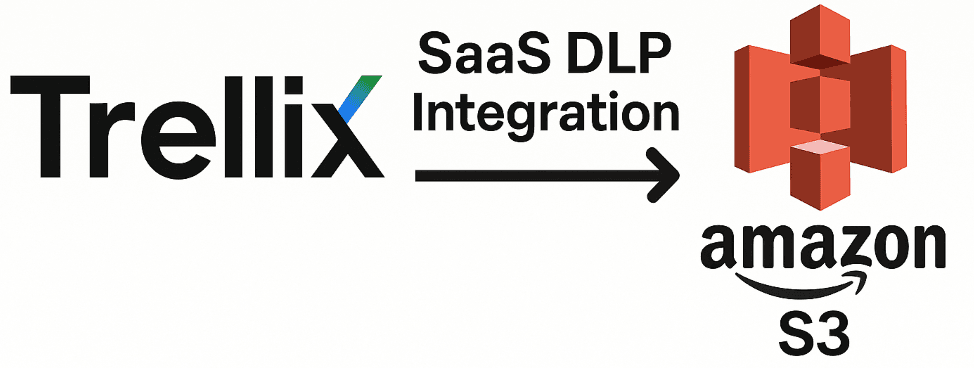
The integration begins with setting up an S3 bucket where relevant information is automatically deposited. This may include a subset of evidence files, registered document fingerprints, and matches highlighted by the Trellix DLP. Employing Amazon S3 enables the creation of a single silo that stores all information produced by the DLP, which aids in better access and management.
Advantages of Combining Amazon S3 and Trellix DLP
There is a plethora of benefits that come with having Amazon S3 as your storage. Firstly, it maintains a higher level of security for sensitive material that is important to comply with predefined regulations. Also, the integration leverages DLP-generated data to actively aid in investigations and audits enabling compliance regulations to be met.
Trellix SaaS DLP vs. On-Premise DLP
When comparing Trellix SaaS DLP to traditional on-premise solutions, the primary advantage is scalability and reduced infrastructure overhead. While on-premise DLP requires dedicated hardware and manual maintenance of storage servers, the SaaS integration with Amazon S3 automates evidence storage and provides elastic scaling. This ensures that as your data grows, your security infrastructure keeps pace without manual intervention.
Frequently Asked Questions
You must configure the storage settings in the Trellix ePO SaaS console by providing your S3 bucket name, region, and appropriate IAM credentials with write permissions.
Is data encrypted when stored in Amazon S3 by Trellix?Yes, Trellix leverages AWS server-side encryption (SSE) to ensure that all evidence files and fingerprints are encrypted at rest.
Conclusion
Integrating Trellix SaaS DLP with Amazon S3 is a critical step for modern enterprises moving toward cloud-native security. By offloading evidence storage to a secure, scalable S3 bucket, organizations can improve audit response times and maintain strict compliance standards with minimal operational effort.
Trellix SaaS DLP and Amazon S3 integration checklist
A Trellix SaaS DLP and Amazon S3 integration should define evidence scope, bucket ownership, encryption, access controls, retention, and investigation workflows.
Practical next steps
Review the current configuration, document dependencies, apply changes in a test environment first, and monitor logs after rollout. Search for the focus topic Trellix SaaS DLP Integration with Amazon S3 in your inventory and confirm that access, updates, backups, and recovery procedures are understood.
More practical cybersecurity learning: Cyber Workshop | Follow the video lessons on CyberWorkshopTraining on YouTube
Watch more from the CyberWorkshopTraining channel